Resources page.
Below is a selection of useful links to other parts of this site and external ones as well, here I would like to build up a toolkit for myself and other professionals / engineers and anyone to use, so please let me know if there’s anything I should add.

Engineering Knowledge
Websites
Videos
In addition to books and videos, I regularly use a number of websites that provide valuable engineering knowledge, tools, calculators, and learning resources. Whether you’re solving a technical problem, developing new skills, or looking for project inspiration, these sites are well worth bookmarking.
-
Engineering Toolbox.
- Engineering Toolbox is one of the most useful engineering reference websites available. It contains an extensive collection of engineering calculators, formulas, material properties, conversion tools, and technical data covering a wide range of disciplines.
-
Engineers Edge.
- Engineers Edge is another excellent engineering resource, offering a large library of calculators, reference tables, design information, and engineering articles. It’s particularly useful when you need quick access to technical data or design calculations.
-
Instructables.
- One of the best places to find hands-on engineering and maker projects. Instructables provides step-by-step guides covering everything from electronics and manufacturing to robotics and product design. It’s a great resource for expanding your practical engineering skills and learning through doing.
-
TED.
- TED talks expose you to new ideas, different perspectives, and innovative thinking from experts across a wide range of fields. While not engineering-specific, many talks challenge assumptions, encourage creative problem-solving, and provide insights that can be applied throughout your career.
-
GD&T basics (Design).
- If you’re involved in design, manufacturing, or quality engineering, GD&T Basics is an invaluable resource. The site provides clear explanations, practical examples, and comprehensive guidance on Geometric Dimensioning and Tolerancing (GD&T), helping engineers understand and apply engineering drawings more effectively.
These are some of the YouTube channels I frequently watch and recommend. They explain engineering concepts clearly, and their videos are well researched, professionally produced, and easy to follow, making even complex topics easier to understand.
-
Real Engineering
- Real Engineering explores the technologies, systems, and engineering principles that shape our modern world. The channel takes a deep dive into everything from aircraft and energy systems to manufacturing and infrastructure, explaining the concepts, calculations, and design decisions behind them.
-
Veritasium
- Although primarily science-focused, Veritasium is an outstanding resource for engineers. The channel challenges conventional thinking, explores fascinating scientific discoveries, and examines emerging technologies through engaging experiments and thought-provoking explanations.
-
The Efficient Engineer
- One of the best channels for understanding engineering theory and technical concepts. The Efficient Engineer breaks down complex topics such as mechanics, thermodynamics, materials, and structural analysis into clear, easy-to-follow lessons supported by excellent visual explanations.
-
Engineering Gone Wild
- A valuable channel for mechanical engineers and engineering students alike. Alongside technical content, it provides practical career advice, explores engineering roles and responsibilities, and discusses the skills and knowledge needed to succeed in the profession.
-
The B1M
- If you enjoy seeing large-scale engineering projects come to life, The B1M is a must-watch. The channel focuses on major civil engineering and construction projects from around the world, offering insights into how some of the most impressive structures and infrastructure are designed and built.
-
Tested
- Hosted by Adam Savage, Tested combines creativity, engineering, and hands-on problem-solving. From workshop projects and tool reviews to prototype development and fabrication techniques, the channel offers valuable lessons for anyone who enjoys designing, building, and creating. I often find that Adam’s approach to tackling challenges sparks ideas and solutions that I might not have otherwise considered.
Templates
Interactive Engineering Tools
These engineering knowledge templates have been developed from my own industry experience to help engineers build practical skills and confidence in using proven engineering methods and tools. Each template provides a structured framework, guidance, and real-world context to support learning, improve consistency, and accelerate professional development, whether you are a student, graduate, or experienced engineer looking to expand your knowledge.
Engineering is best learned through application, not just theory. To help bring engineering concepts to life, I have developed a range of interactive tools that allow you to perform calculations, explore engineering principles, and visualise key concepts in a practical way. Designed for students, graduates, and experienced engineers alike, these tools combine hands-on learning with clear explanations to help you understand both the results and the underlying principles, making engineering knowledge more accessible, engaging, and relevant to real-world challenges.
-
Material Comparison
- This tool allows you to search, filter, and compare the mechanical, thermal, and physical properties of eighteen common engineering materials — including steels, aluminium alloys, titanium, polymers, and composites. Select up to four materials to view side-by-side bar charts across properties such as tensile strength, Young’s modulus, density, and thermal conductivity. Hover over any property for a plain-English explanation of what it means in practice.
-
The Engineering Process tool
- The Engineering Design Process Tool is an interactive learning resource that guides engineers, students, and educators through the eight key stages of engineering design, from problem definition and research through to prototyping, testing, iteration, and communication. Featuring detailed explanations, an interactive process map, a knowledge quiz, and a project checklist, the tool helps users understand how successful engineering solutions are developed in a structured, iterative way. Built using insights from leading engineering institutions, it provides a practical framework for applying design thinking to real-world engineering challenges.
-
Milling Speeds and Feeds Calculator
- The Milling Speeds and Feeds Calculator goes beyond standard machining calculators by combining cutting parameter calculations with fixture clamping force analysis. By entering cutter details, machining parameters, material type, and fixture information, users can estimate cutting forces, required clamping forces, feed rates, cutting speeds, and spindle power. Designed for manufacturing and production engineers, the tool helps bridge the gap between machining theory and practical fixture design, supporting safer and more reliable machining processes.
-
Tolerance and Fit selector
- The Tolerance and Fit Selector is an interactive engineering reference tool that calculates hole and shaft deviations for nine standard ISO 286 hole-basis fits across any nominal diameter from 1 to 500 mm. Enter a diameter and either select a fit designation directly — such as H7/p6 — or choose from a list of common application scenarios, and the tool returns the full tolerance band values, clearance or interference limits, and a visual tolerance zone diagram showing how the hole and shaft relate to the zero line.
Blog Subjects:
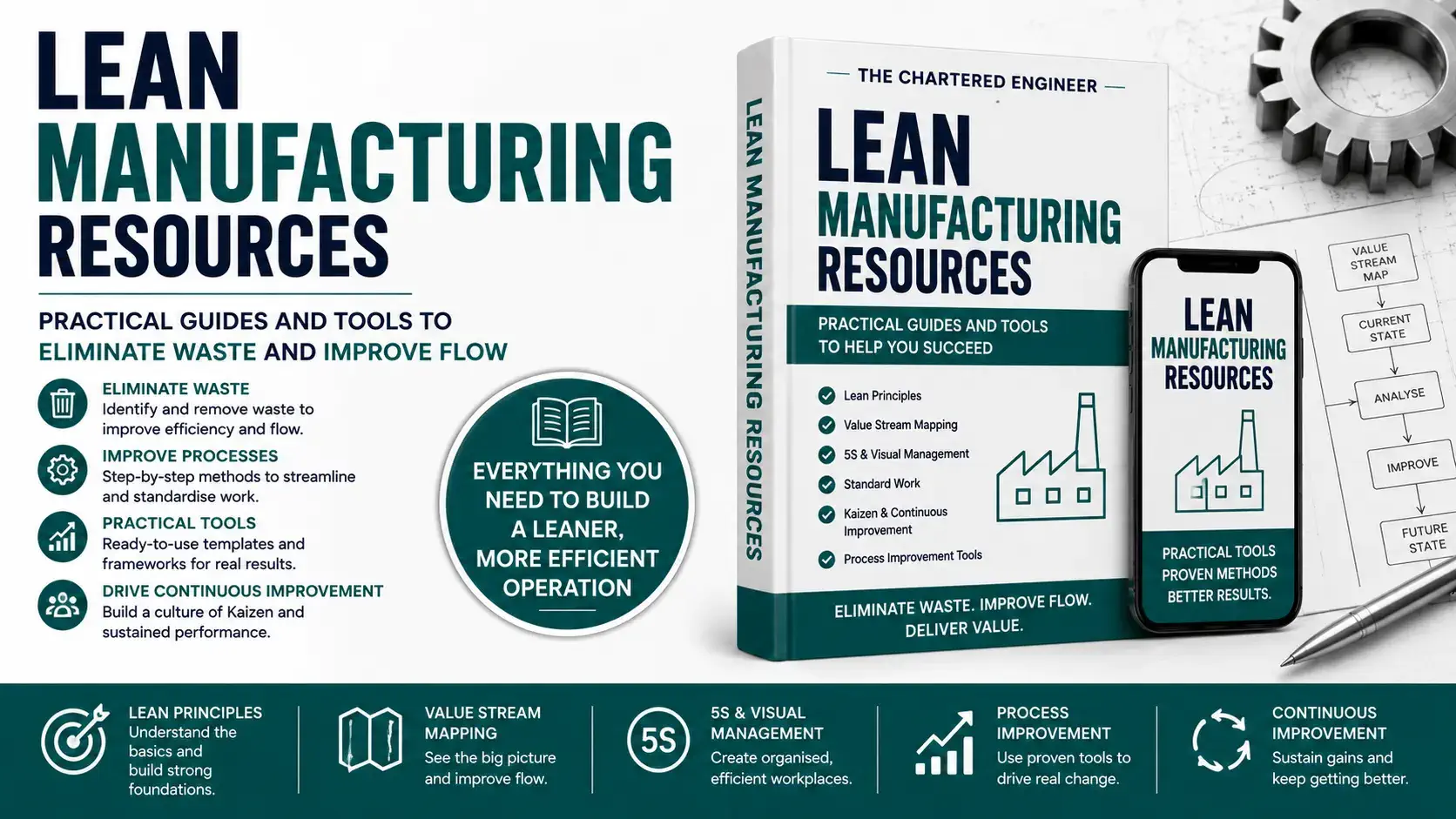
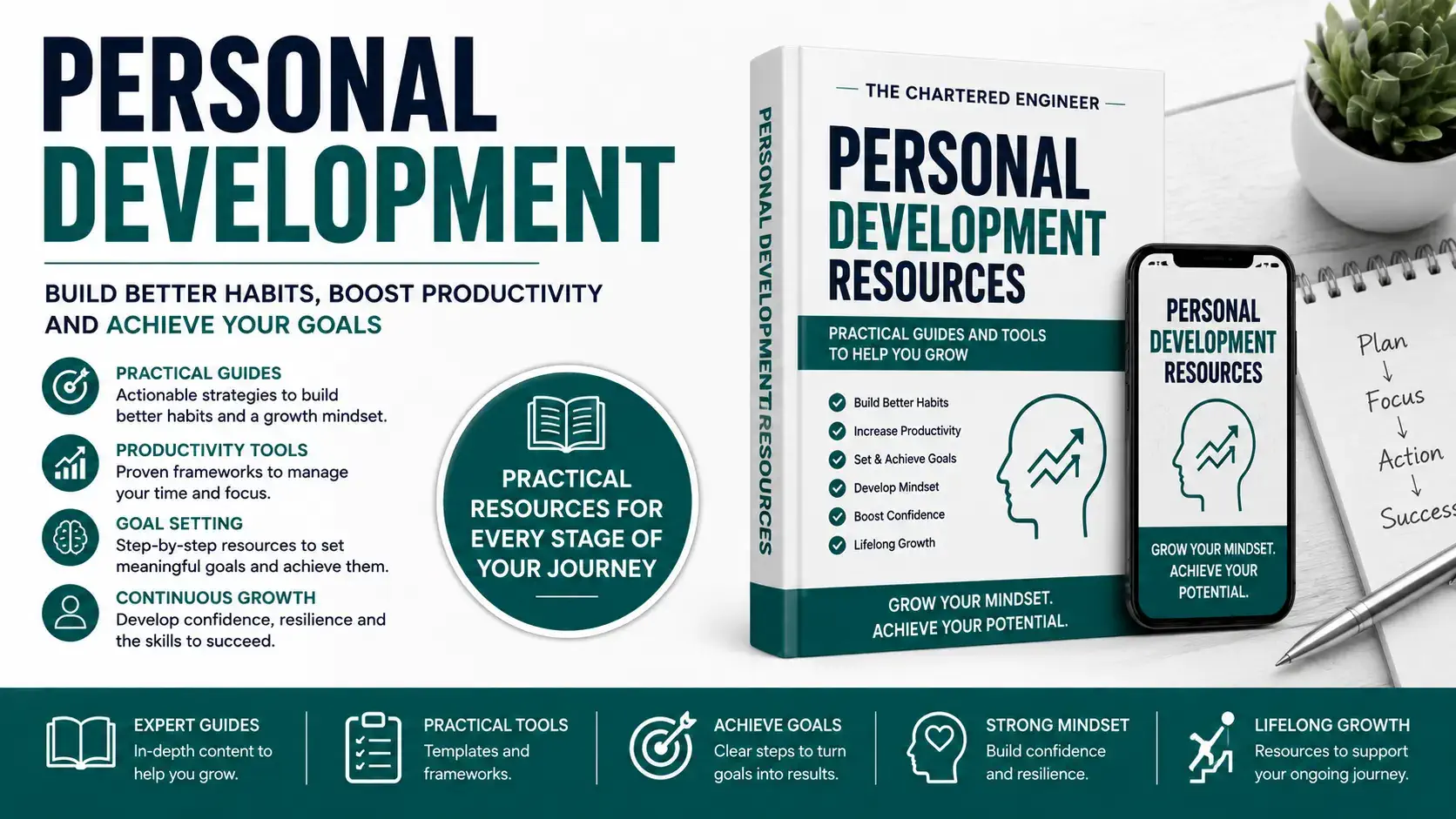
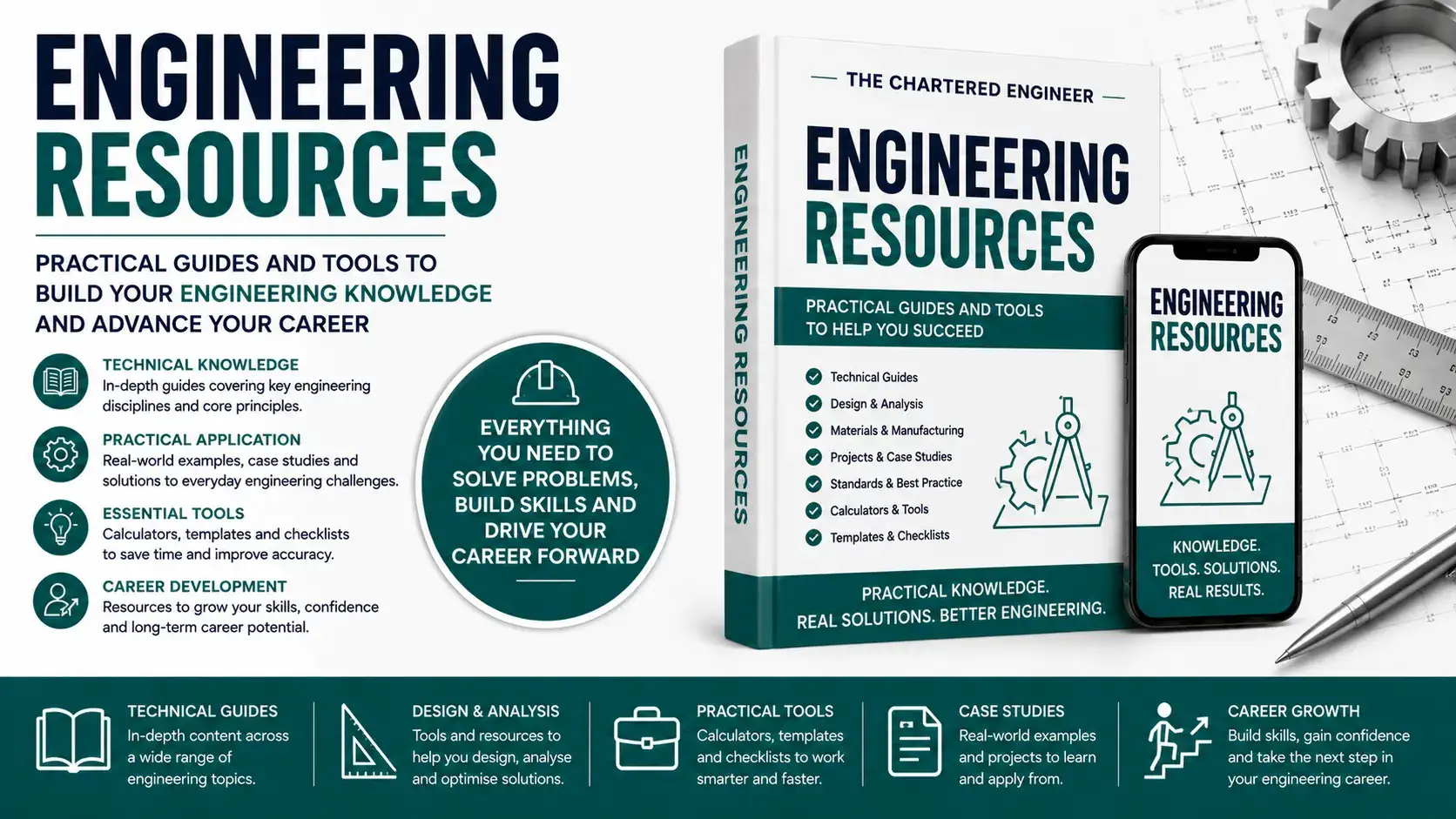
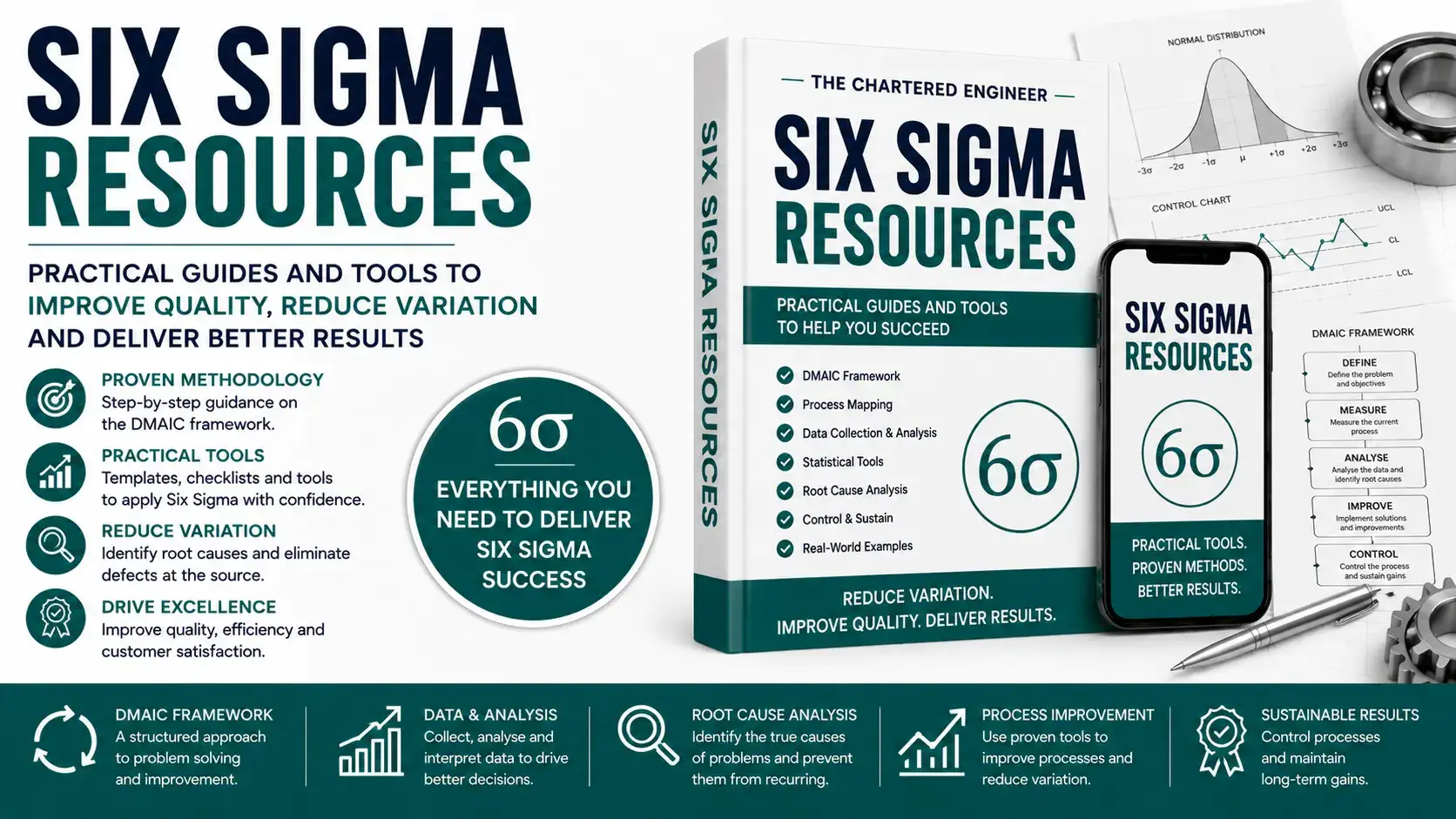
Latest Blog posts:
- Using AI for Engineering Learning: A Personal Tutor in 5 Steps
- Internal Networking for Engineers: Why Walking the Corridors Still Works
- Engineering Thinking 101 using a simple piece of paper
- How to Become a Mechanical Engineer in 2026: Complete Roadmap
- Are Mechanical engineers naturally bad at engineering maths? This common myth in 2026 needs to be dispelled now!
